
Tag the appliance on site
Place a Tech Was Here tag on a fixed, visible edge of the refrigerator, washer, dryer, or range, then scan it and link it to the customer, room, and appliance record.
Put a durable QR service sticker on each refrigerator, washer, dryer, or range. When the customer needs help later, one scan identifies the appliance and sends the request back to your company—no app, login, or search required.
The serialized tag measures 3 × 1 inches. Your technician places one on each serviced refrigerator, washer, dryer, or range so the next scan identifies that exact appliance and returns the request to your company.
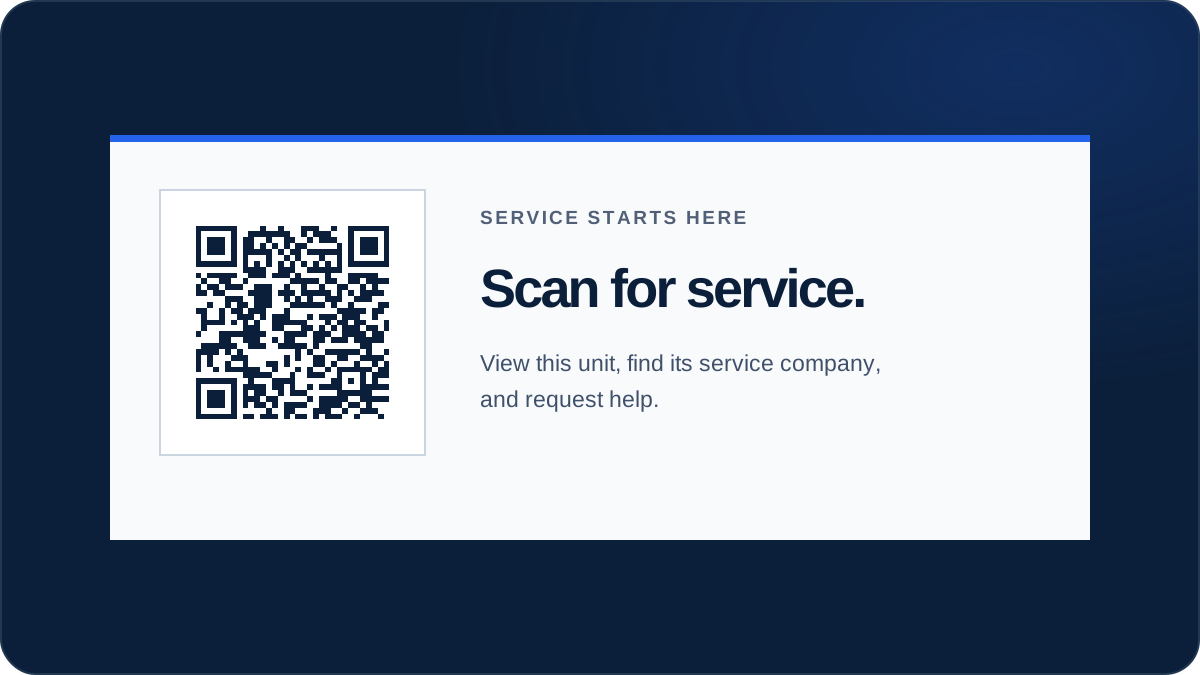
Three steps keep the connection between the serviced appliance and your office: tag it on site, let the customer scan the exact unit, and receive the request with the room and appliance already attached.
Place a Tech Was Here tag on a fixed, visible edge of the refrigerator, washer, dryer, or range, then scan it and link it to the customer, room, and appliance record.
When cooling drops or a cycle fails, the phone camera opens that specific appliance and names your service company — no app, account, or login.
The request arrives with the appliance, room, and customer already attached, so the office can dispatch without a round of guesswork about which unit needs help.
A kitchen or laundry room can contain several serviced units. Equipment-level tags help the customer and your office start with the same appliance in mind.
Identify the exact fridge, freezer, or ice maker so a customer can report cooling loss, ice buildup, or leaks without reading a model plate.
Keep the service-company connection on laundry pairs tucked in closets or rental units where paperwork disappears between visits.
Distinguish gas, electric, and dual-fuel cooking appliances and give the customer a visible scan point near the unit, not inside a hot cavity.
Give under-counter appliances that hide their badges a stable request path the next time drainage, noise, or cleaning issues appear.
The customer does not have to find an old invoice or read a badge behind the unit. The scan page identifies the appliance and current service company, then routes the request to your team with the tagged unit attached.
That does not guarantee a booked call, but it removes common friction between noticing a problem and reaching the company that already knows the appliance.
Use the full QR service tag placement guide for detailed appliance placement principles.
Tag a handful of refrigerators, washers, and ranges, then watch scans and requests before expanding. Review the service-company workflow or see pricing for your team.
A magnet is moved, lost, or buried under notes. A Tech Was Here tag stays on the unit, so the next scan still identifies the exact refrigerator, washer, or range and routes the request to the company that serviced it.
A tenant scans the washer or range tag instead of guessing which company the landlord used. The request identifies the unit, so the office can coordinate with the correct service company.
The tag is placed on a fixed, visible edge away from heat, steam, door gaskets, and food-contact surfaces, so it stays readable through routine cleaning and everyday use.
Your team retires the old tag in the private workspace and links a new one to the replacement. The equipment record and service history can move forward with the customer and site.
The complimentary kit includes 25 serialized 3 × 1-inch tags and three months of software. The remaining 75 starter tags are included when the paid plan begins, and each additional 100-tag pack costs $50.
No. The phone camera opens the appliance page directly. The customer can confirm the unit, see the current service company, and send a request without installing anything.
Start with 25 QR service tags and 3 months of Tech Was Here free. No card is required, and billing does not start automatically.