
Connect the equipment to the next service request.
Tech Was Here combines a physical QR service tag, a no-login customer page, and a private team workspace. The scan identifies the exact unit and gives the homeowner a direct path back to your service company.
One simple path from equipment to the next request.
The service company buys and operates Tech Was Here. The technician starts the connection, the customer uses it later, and your team receives a request it can recognize.
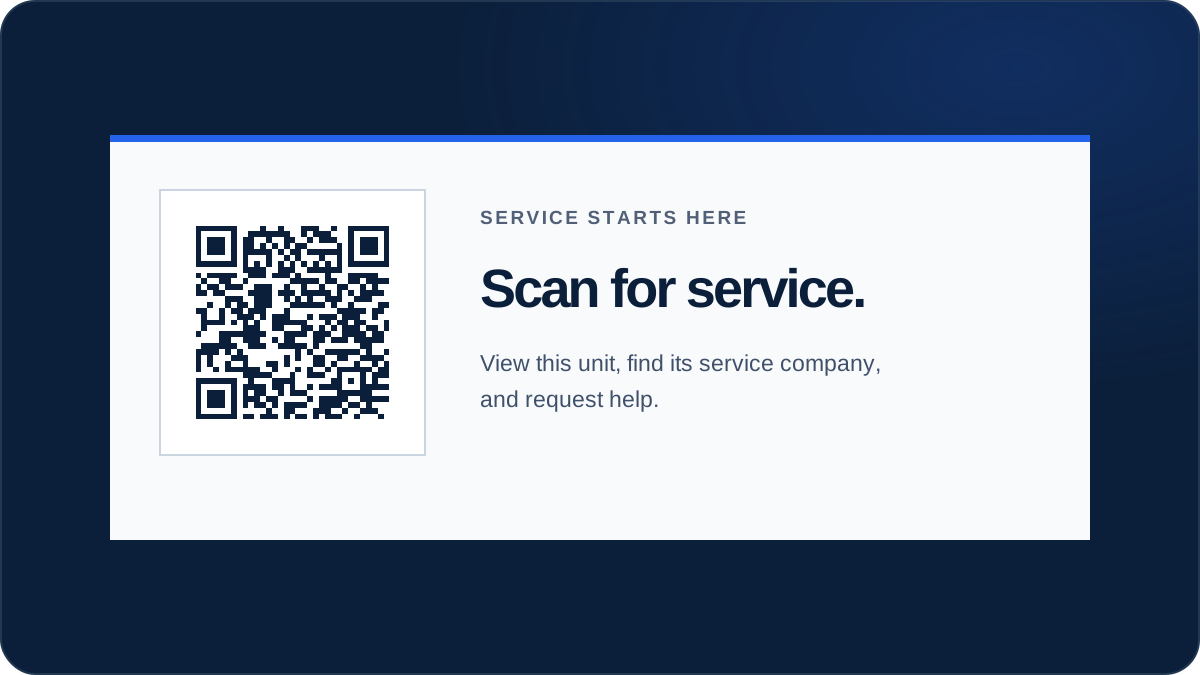
A serialized tag your technician can put to work.
Tech Was Here supplies serialized QR service tags to your team. The neutral physical tag securely associates with your company when a signed-in technician claims it and links it to a unit.
- Starter kit
- 25 physical QR service tags with 3 months of complimentary software access.
- Digital identity
- The claimed scan page names your service company, shows its contact details, and routes requests to your team.
- More tags
- The remaining 75 starter tags are included when paid service starts. Each additional pack of 100 costs $50.
- Replacement
- Replace a damaged tag from the equipment workflow while keeping the unit record and service history connected.
Service-company tools on one side. Zero-friction contact on the other.
Tech Was Here connects the physical unit to the people who need to act on it. The workspace stays private; the customer page stays focused on identifying the unit and getting help.
Illustrative preview · service company
Keep the service record connected.
The private team workspace gives technicians and office staff a shared view of tagged equipment and incoming requests.
- Link a tag to the customer, site, and exact equipment
- Review requests with the unit context already attached
- Keep tag status, request history, and team access together
Operations overviewGood afternoon, Alex.
Open tagged unitsService requestsRecent activity
8 totalNew
Jamie Carter · 214 Oak Ridge DriveThe filter pump will not start from the controller.
- Equipment
- Main pool controller
- Location
- Pool equipment pad
EquipmentTagged units
- Type
- Pool controls
- Location
- Pool equipment pad
Illustrative preview · homeowner
Scan the unit. Reach the company that knows it.
The public customer page names the equipment and current service company, then gives the homeowner a direct way to call or ask for help.
- Open with the phone camera—no app or login required
- Recognize the exact unit and service company
- Send a short issue request with the unit attached

Keep customer and equipment history in one useful place.
Tech Was Here can serve as the lightweight service CRM for the customer-and-equipment relationship. Keep customer and site context, tagged units, incoming requests, service history, private notes, and maintenance reminders together without taking on an expensive general-purpose system before your team needs one.
Turn the tagged unit into a timely reason to reconnect.
Service companies configure default reminder timing in the contractor portal. Tech Was Here emails equipment-specific reminders to the customer automatically, without an opt-in step on the scan page.
Start with a direct path to the next request.
Tech Was Here turns a completed service visit into a direct path back to your company. Start with the equipment-level tag-to-request loop today, then help shape the capabilities your service team needs next.
See how it works for service companiesGive the next serviced unit a path back to your team.
Start with 25 QR service tags and 3 months of Tech Was Here free. No card is required, and billing does not start automatically.